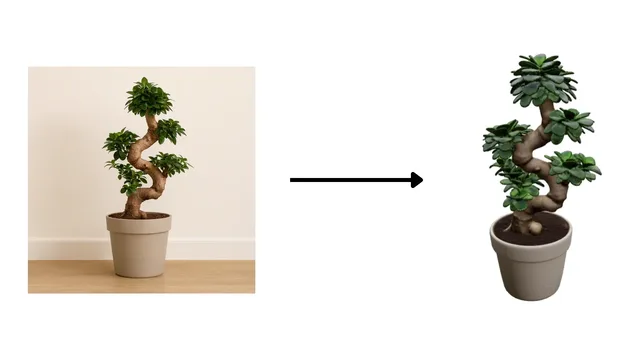
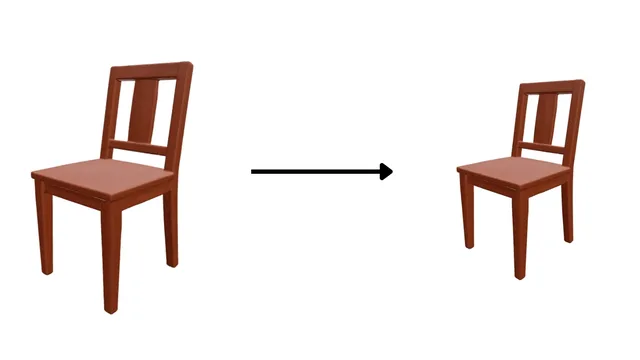
Text to 3D Model
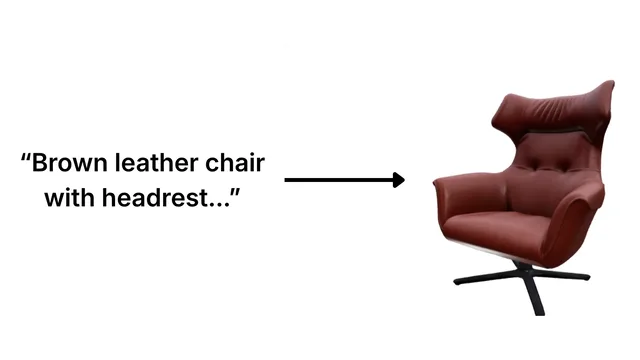
Describe the 3D model you want in your own words.
Generate 3D models of products
from text prompts, images, and documents
— all through a simple REST API.
import base64
import requests
import time

API_KEY = "your-api-key-here"
BASE_URL = "https://flows.generio.ai"
headers = {"Authorization": f"Bearer {API_KEY}"}

payload = {
    "template": "model_generate_fromprompt",
    "parameters": {"quality": "high"},
    "inputs": [{"data": "A modern office chair"}],
}


### Create a new flow

flow = requests.post(
    f"{BASE_URL}/flows",
    headers=headers,
    json=payload
).json()

flow_url = f"{BASE_URL}/flows/{flow['flow_id']}"


### Wait until the flow is complete (polling)

while True:
    status = requests.get(flow_url, headers=headers).json()
    if status["state"] != "running":
        break
    time.sleep(5)

if status["state"] != "completed":
    raise SystemExit(status["state"])


### Download your 3D model

asset_id = requests.get(
    f"{flow_url}/outputs",
    headers=headers
).json()["outputs"][0]["asset_id"]

data = requests.get(
    f"{flow_url}/outputs/{asset_id}?include_data=true",
    headers=headers,
).json()["data"]

binary = base64.b64decode(data.split(",", 1)[1])
with open(f"model_{asset_id}.glb", "wb") as f:
f.write(binary)Join the community or reach out - we're here to help